
 United States

About Whiteboard Assistant
Transform how vision impaired students learn and take part in class.
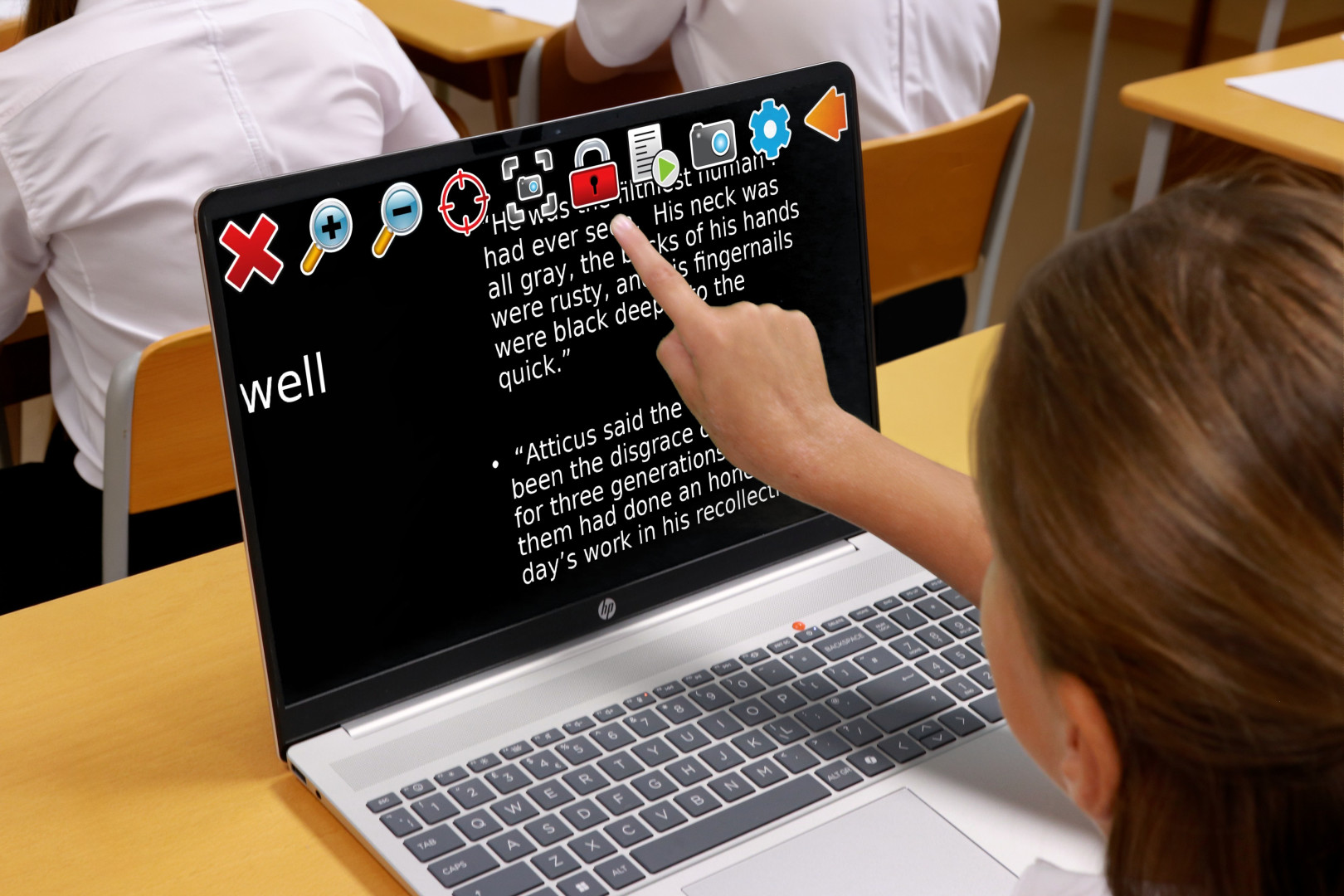
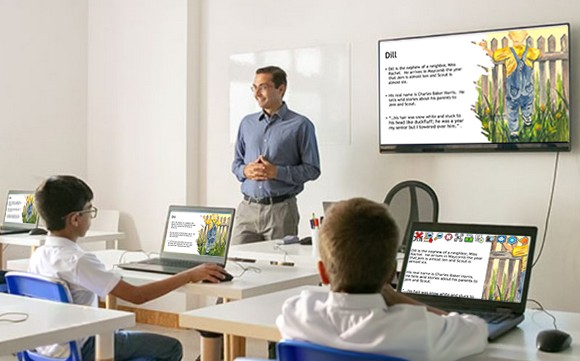
Whiteboard Assistant lets teachers instantly share their whiteboard or presentation screen directly to a student's laptop. Students can then view the lesson with their own magnification, colour schemes and reading tools through SuperNova - so they learn comfortably and independently.
It's fast. It's simple. It transforms accessibility in your classroom.
Get Whiteboard Assistant for Your School
Complete the short form to request Whiteboard Assistant and we'll send everything you need straight to your inbox:
- Download links for the Whiteboard Assistant
- A Network Installation Package (MSI) for your IT team
- User guides for teachers and students
Why Teachers Love Whiteboard Assistant

Accessible from the start
Give every vision impaired student equal access to lesson content - without changing how you teach.

Choose what you share
Show your whole screen or just a single window. Perfect to keep teacher notes private.

Full control
Share for a set time or stop sharing instantly with one click.

Easy Deployment
Your IT Teams can install on individual PCs or across the whole school with the MSI.

Network-friendly
Works reliably when students and teachers are on the same or different networks.

Support from Dolphin
Our friendly Support Team is here to help. Online training is available.
Why Students Love It

Read comfortably
Magnify text, zoom into images and apply colour schemes that make reading easier.

Sit anywhere
No need to sit at the front. Students can choose any seat and still follow the lesson.

Customise colours
Invert colours or choose from a range of colour schemes to suit individual needs.

Multi-task in class
Quickly switch between the whiteboard, camera and schoolwork.

Save what matters
Capture screenshots to review later - ideal for homework and revision.

Read text and images
Access whiteboard content independently with image descriptions and Scan & Read.
Need Help or More Info?
After submitting the request form, you'll receive an email with your download links.
If it doesn't arrive, call Dolphin Support on 01905 754 577.
For detailed setup guidance, troubleshooting and technical info, read the Whiteboard Assistant FAQs

Dolphin Whiteboard Assistant for Business
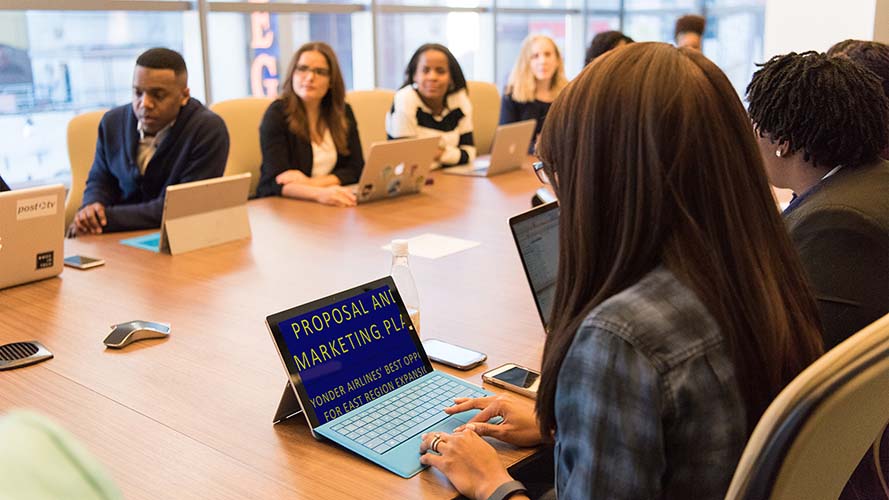
Organisations using interactive whiteboards in training rooms or meeting spaces can also use the Whiteboard Assistant to make presentations accessible for vision impaired employees.
Download the Whiteboard Assistant if your colleagues use:
- SuperNova Magnifier
- SuperNova Magnifier & Speech
- SuperNova Magnifier & Screen Reader